
Table of Contents
- Understanding Why Blocking Firestick Updates Won't Stop the Piracy Blacklist
- The Hidden Tradeoff NetGuard Creates Between Blocking Updates and Using a VPN
- When Blocking Updates Makes Sense and When It Quietly Stops Working in the Background
- Living With Amazon's Built In Blacklist Practical Strategies for Safer Streaming Without False Security
- Q&A
- The Conclusion
Understanding Why Blocking Firestick Updates Won't Stop the Piracy Blacklist
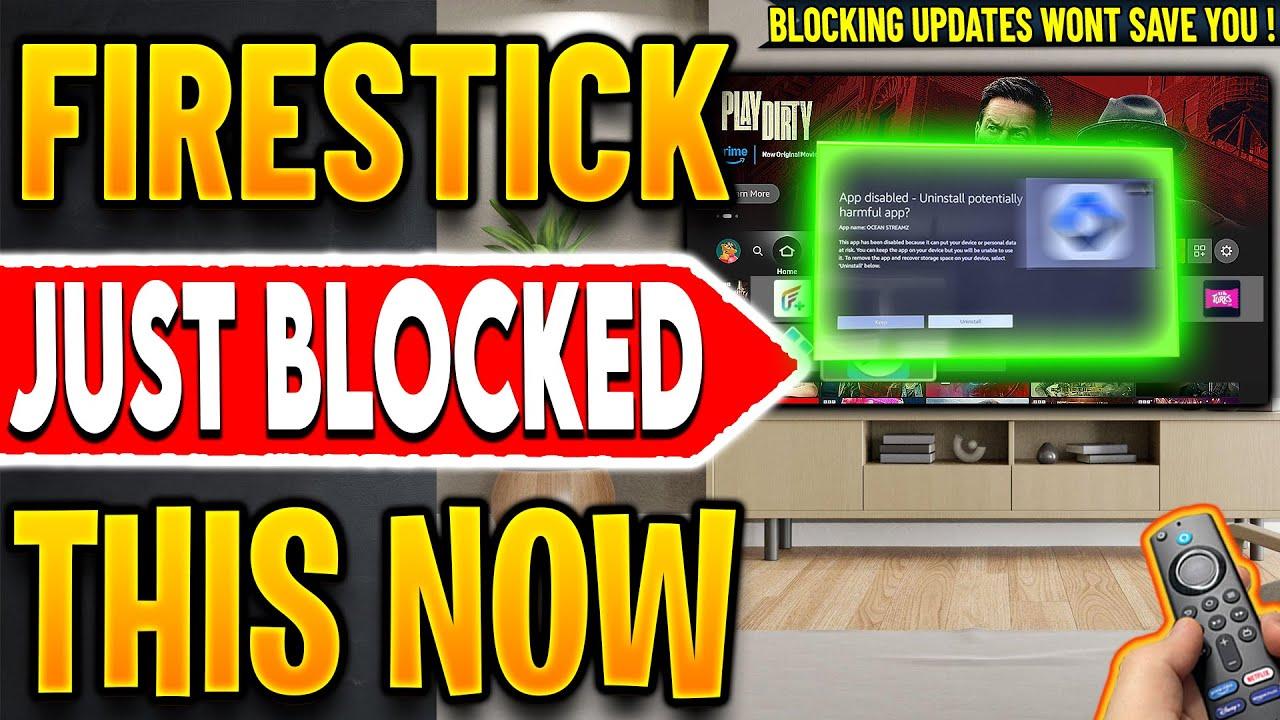
Many users believe that by blocking updates on their Firestick, they can bypass Amazon's attempts to enforce restrictions such as the piracy blacklist. However, this misconception overlooks a crucial fact: the blacklist is embedded within the device's existing software architecture, independent of updates. Since the blacklist operates on a built-in level, even if you prevent the device from updating, it won't remove or disable the blacklist's core functions. Amazon's system is designed to continually monitor and enforce these restrictions regardless of software update status, making blocking updates an ineffective strategy against the blacklist's operation.
Additionally, attempting to block updates often introduces other complications. For instance, methods like NetGuard act as virtual firewalls, but as soon as a VPN is activated, these methods are essentially disabled, allowing Amazon to receive and process data calls that enforce the blacklist. Like this:
| Method | Limitations | Effectiveness |
|---|---|---|
| Blocking Updates | Fails against embedded blacklists | Ineffective long-term |
| Using NetGuard | Disables VPN; breaks update blocking | Limited when VPN is active |
The Hidden Tradeoff NetGuard Creates Between Blocking Updates and Using a VPN
When deploying NetGuard to block streaming applications on your Firestick, many believe it's a foolproof way to prevent Amazon from pushing updates that could compromise their setup. However, blocking updates doesn't stop Amazon's persistent blacklisting mechanisms. These blacklists are embedded directly into the device's firmware, meaning they operate independently of software updates. So, even if you manage to halt updates momentarily, Amazon's blacklist silently remains active, potentially allowing for future restrictions that you can't see coming. It's a continuous game of whack-a-mole: blocking one update or application only temporarily delays the inevitable.
| Tradeoff Aspect | Impact |
|---|---|
| Blocking updates | Prevents Amazon from installing firmware changes, but disables VPN use when NetGuard is active |
| Enabling VPN | Allows access to streaming apps, but defeats NetGuard and opens the device to covert updates and blacklists |
In essence, the sophisticated blacklisting system means users face a growing dilemma: either keep the device free from updates and lose VPN functionality or enable the VPN at the expense of losing NetGuard's blocking capability. This delicate balance highlights that blocking updates isn't a silver bullet-an ongoing tradeoff between security, access, and control plays out in the background.
When Blocking Updates Makes Sense and When It Quietly Stops Working in the Background
Blocking updates can seem like a quick fix for maintaining control over your Firestick, especially if your goal is to prevent Amazon from pushing new software changes or unwanted features. Use it when your intention is to avoid cosmetic updates or non-essential system tweaks - but beware of the misconception that this stops Amazon from enforcing their blacklist or other security measures. Once the device calls back to Amazon's servers, especially after activating a VPN, the blacklist and other backend restrictions continue to operate unnoticed in the background, rendering your manual blocking efforts less effective. As shown with the NetGuard method, while updates might be temporarily blocked, the device still connects to Amazon, making persistent restrictions a myth in many cases.
| Scenario | Outcome |
|---|---|
| Blocking updates without VPN | Temporary control - backend blacklists still active |
| Activating VPN after blocking updates | Background restrictions bypassed; updates can sneak through |
In essence, blocking updates is a short-term shield rather than a cure-all solution. While it might stop some changes temporarily, persistent mechanisms like blacklists are in place that operate regardless of your manual blocks, especially once your device communicates with Amazon servers via VPN or other means. Knowing when and how these measures work helps you adapt your approach-focusing on more comprehensive techniques if long-term control is your goal.
Living With Amazon's Built In Blacklist Practical Strategies for Safer Streaming Without False Security
Living With Amazon's Built-In Blacklist Practical Strategies for Safer Streaming Without False Security
Blocking updates on your device may seem like an effective way to maintain a certain level of control, but the reality is far more complex. Amazon's persistent blacklist operates independently of update controls, subtly embedding itself within your device's system. Even if you prevent software updates, the blacklist continues to monitor and restrict streaming applications by calling back to Amazon's servers-regardless of your attempts to block updates. This means that many users may falsely believe they are safe from new restrictions, unaware that Amazon's blacklisting mechanism works in the background, rendering update-blocking methods largely ineffective for sidestepping their control.
For better security and smarter streaming, consider these practical strategies:
- Use trusted VPN services: Choose VPNs that can mask your device's origin and prevent calls back to Amazon's tracking servers.
- Implement network monitoring: Regularly check your device's data activity to identify suspicious or unauthorized traffic.
- Stay informed: Follow updates from trusted sources about Amazon's blacklisting tactics and countermeasures.
| Strategy | Benefit |
|---|---|
| Trusted VPNs | Reduces tracking & prevents server calls |
| Network Monitoring | Detects suspicious activity |
| Stay Informed | Adapts to evolving blacklisting tactics |
Q&A
Certainly! Here's a creative and informative Q&A blog post based on the topics discussed in the YouTube video titled "🔴New Firestick Update - They Finally Done IT (Blocking Updates Won't Help)":
Q&A: What You Need to Know About the Firestick Update & Blocking Updates
Q1: Can blocking updates on my Firestick stop Amazon from pushing new streaming apps or updates?
A: Unfortunately, no. Blocking updates might seem like a good way to prevent Amazon from installing new updates, but it doesn't actually stop their ability to push new applications or changes. The core issue lies elsewhere-security and control mechanisms are embedded even in older versions, making simply blocking updates ineffective for this purpose.
Q2: Why is it a misconception that blocking updates offers protection against Amazon's control?
A: Many believe that by blocking updates, their device becomes immune to Amazon's restrictions, but the truth is more complex. Amazon's blacklist system, implemented months ago, runs independently of updates. As a result, even if you prevent updates, the blacklist remains active, continuing to affect your device's functionality and access to certain apps.
Q3: What happens if I use NetGuard to block apps on my Firestick?
A: NetGuard functions as a virtual VPN, preventing specific applications from accessing the internet. However, a significant limitation is that it operates as a kind of "offline firewall," and when you activate a traditional VPN (such as IP Vanish), NetGuard stops working. This means that, with a VPN active, applications-including Amazon's update system-can connect freely, allowing updates to download and install.
Q4: Does using a VPN alongside NetGuard improve my device security or blocking capabilities?
A: Not quite. When you turn on a VPN, it overrides NetGuard because the VPN encrypts and routes all internet traffic differently. This essentially disables NetGuard's app-specific blocking functions, allowing Amazon and other services to communicate without restrictions. So, combining both usually isn't effective if you're trying to block updates or certain apps.
Q5: Is blocking updates a reliable way to prevent Amazon from making changes or adding new features to my Firestick?
A: No. Since the blacklist and security measures are embedded within the device, blocking updates doesn't stop Amazon from controlling the device remotely or pushing new restrictions. The existing blacklist can still "call home," regardless of whether your device receives updates.
Q6: What should I do if I want to maintain control over my Firestick's applications and updates?
A: The most effective approach is understanding that blocking updates offers limited protection. Instead, consider using trusted tools and methods that respect your control while acknowledging Amazon's security measures. Always stay informed about the latest firmware and patch updates, but be cautious with methods that claim to "block everything"-they often have limitations.
Q7: Is the recent Firestick update a sign of Amazon tightening restrictions?
A: Yes, the latest updates likely include enhancements to the blacklist system, reinforcing Amazon's effort at controlling third-party streaming apps and preventing piracy. These updates indicate that simply blocking updates isn't enough to bypass their restrictions.
Q8: What's the takeaway for Firestick users who want to customize their experience?
A: The key message is that no single trick, like blocking updates or using specific apps, offers a guaranteed way to bypass restrictions. Staying informed and understanding how these systems work ensures you can make smarter choices-whether that means using permitted apps or exploring legal streaming options.
Q9: Any final advice for Firestick users concerned about updates and restrictions?
A: Stay vigilant and skeptical of methods that promise absolute control. Focus on legitimate and safer solutions to enhance your viewing experience without risking device stability or security. Remember, the new updates are designed to strengthen device integrity-embrace them while exploring lawful options for streaming.
Have questions or experiences to share? Drop them in the comments below!
And for the latest updates, subscribe to our blog.
Would you like a more casual tone or additional specific points covered?