
Table of Contents
- Exploring the Emulation Front Ends How Emulation Station LaunchBox and Playnite Work Together
- Hardware Requirements And Performance Tips For Smooth Retro And AAA Gameplay
- Optimizing Controls And Input Devices For A Seamless Plug And Play Experience
- Library Management And Curation Strategies For Navigating 63 000 Games On A 5TB Drive
- Q&A
- In Conclusion
Exploring the Emulation Front Ends How Emulation Station LaunchBox and Playnite Work Together
At the heart of this setup is a seamless integration of multiple front ends, each tailored to different gaming eras and genres. The use of EmulationStation provides a nostalgic gateway to classic consoles like the NES, Sega Genesis, and early PlayStation titles. This intuitive interface automatically detects connected controllers, creating a nostalgic, plug-and-play experience for vintage gaming enthusiasts who want instant access without tedious setup. Meanwhile, LaunchBox stands as a versatile management hub for more advanced and modern titles, offering an organized library and easy navigation for everything from indie gems to AAA PC games. Together, these front ends create a unified, multi-generational gaming environment, breaking down the barriers between retro and contemporary titles.
Further enhancing this ecosystem, Playnite acts as a robust, all-in-one launcher that supports not only emulators but also digital storefronts and game libraries from platforms like Steam, GOG, and Epic Games. Its integration with LaunchBox enhances the user experience by providing a sleek, customizable interface that consolidates all your games into a single library.
| Component | Function | Benefit |
|---|---|---|
| EmulationStation | Retro console emulation | Pure nostalgia, quick setup |
| LaunchBox | Game management & organization | Streamlined access to AAA & indie titles |
| Playnite | Unified launcher for all platforms | Effortless cross-platform gaming experience |
Hardware Requirements And Performance Tips For Smooth Retro And AAA Gameplay
To ensure a seamless gaming experience, prioritize a powerful CPU-preferably a multi-core processor like Intel i5 or Ryzen 5 or above-to handle the varied emulation and AAA titles smoothly. A dedicated graphics card such as a GTX 1050 or higher is crucial, especially for the more demanding AAA games that require more processing power to render detailed visuals without lag. Additionally, RAM plays a vital role; a minimum of 8GB guarantees that your system can manage large game libraries and multitasking, while 16GB is ideal for ultra-smooth gameplay during extended sessions.
| Component | Recommended Specs |
|---|---|
| CPU | Intel i5/Ryzen 5 or higher |
| Graphics Card | NVIDIA GTX 1050 / AMD RX 560 or above |
| RAM | 8GB to 16GB DDR4 |
| Storage | Fast SSD (preferably NVMe) for quick loading |
Performance tips include keeping your graphics drivers up-to-date, optimizing your emulators for your specific system, and disabling background applications that could consume resources. For AAA titles, a good cooling system is also recommended to prevent thermal throttling during intense gameplay. Remember, a well-balanced system that prioritizes graphics and processing power over unnecessary background processes will make playing over 60,000 games-a blend of retro classics and modern AAA hits-an absolute breeze.
Optimizing Controls And Input Devices For A Seamless Plug And Play Experience
Streamlined Controls for Effortless Gaming Transitions
Achieving a seamless plug and play experience hinges on optimizing your input devices for quick recognition and responsiveness. The system's compatibility with standard USB controllers, like the popular Xbox 360, ensures instant connection without the need for tedious setup. Plug in your controllers, and they automatically register as gamepads, creating an immersive experience right out of the box. This instant recognition is crucial for smooth gameplay, especially when switching between retro emulators and modern AAA titles on the same setup. Prioritize high-quality, wired controllers that boast responsive buttons and sturdy construction to reduce input lag and enhance feel, turning casual sessions into competitive adventures.
| Controls Optimization Tips | Benefits |
|---|---|
| Use wired controllers for zero lag | Instant response and plug-and-play ease |
| Map controls via front-end for personalized setup | Customized gaming experience tailored to your favorite genres |
| Keep controllers updated with latest firmware | Minimize connectivity issues and improve stability |
Smart Input Device Management for a Unified Experience
Integrating multiple input devices across a diverse library of over 60,000 games demands smart management strategies. Use front-end software like EmulationStation, LaunchBox, or Play Night to create tailored profiles for each controller or input device, ensuring they function flawlessly across different system categories. Switching effortlessly between classic console emulation and modern PC titles is driven by these centralized management tools, which optimize button mappings and detect device changes instantly. To keep the experience sleek and trouble-free, regularly update your controllers' drivers, and configure your input profiles within these front-ends to suit each gaming genre-accelerating gameplay without missing a beat.
| Optimization Strategies | Outcome |
|---|---|
| Create genre-specific controller profiles | Enhanced gameplay precision and comfort |
| Regularly update device firmware and drivers | Stable connections and reduced input issues |
| Leverage front-end configuration for quick device switching | Fluid transitions across game types and systems |
Library Management And Curation Strategies For Navigating 63 000 Games On A 5TB Drive
Effective Library Management & Curation Strategies
When wielding a colossal collection like 63,000 games, organization becomes essential. Prioritize creating a categorical hierarchy, separating titles by systems, genres, or release eras. Implement tagging systems within your front-end interfaces-like Emulation Station, LaunchBox, or Playnite-to instantly filter and locate games based on preferences or gameplay style. Consistent naming conventions and structured folder hierarchies also streamline navigation, making it effortless to pinpoint loved classics or hidden gems amidst the sprawling digital vault.
To maintain a smoothly accessible library, embrace regular curation and homogenization. Remove duplicates, update metadata, and mark played versus unplayed titles to keep the collection fresh and relevant. Use custom playlists or curated collections to group games by themes or moods-such as 'Retro Rush' or 'Indie Inspirations'. Above all, develop a routine backup strategy-preferably cloud-based or on external drives-to safeguard your extensive library without interruption, ensuring your hyper-optimized 5TB drive remains a treasure trove of gaming experiences.
Q&A
Certainly! Here's a creative and informative Q&A for your blog post based on the topics discussed in the YouTube video "🔴Emulation Retro Drive with 63,000 GAMES ! (Hyper base mix 5TB)":
Q: What is this retro gaming system, and what makes it stand out?
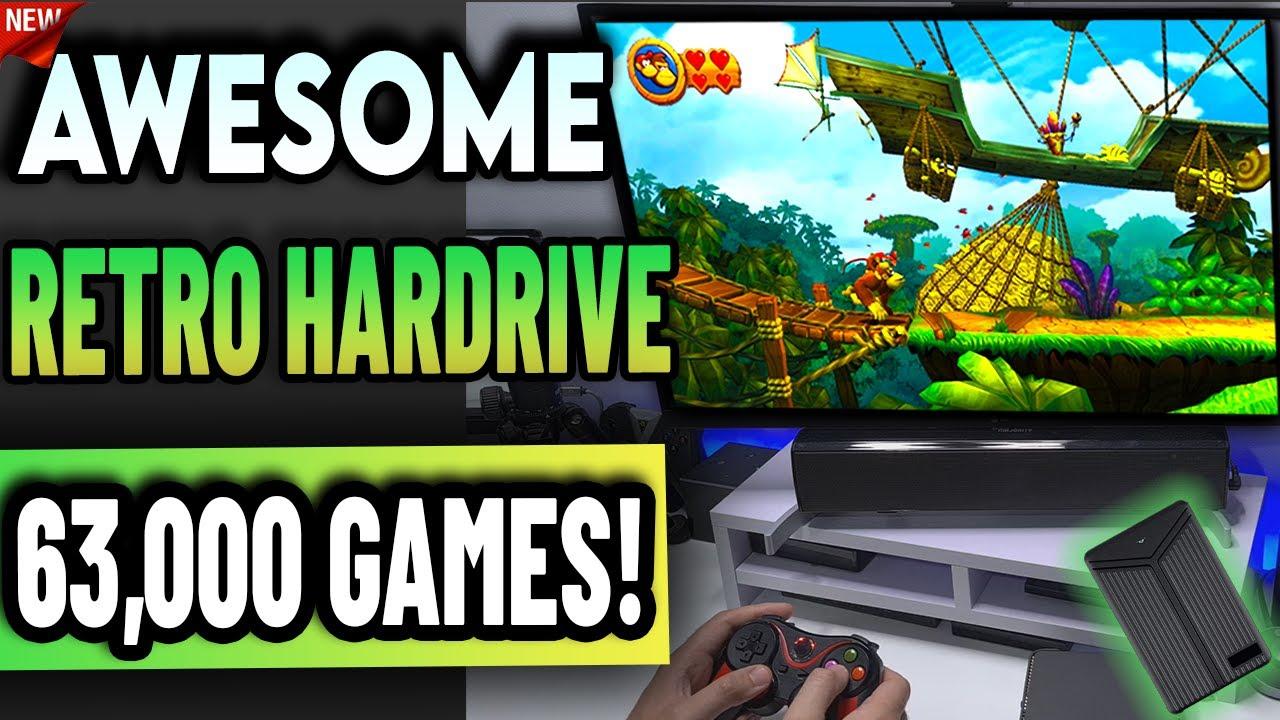
A: This system is a massive gaming drive loaded with over 63,000 games spanning multiple classic consoles, including Nintendo, PlayStation, GameCube, and Game Boy Advance. What makes it remarkable is its ability to blend vintage and modern gaming-allowing players to enjoy retro titles alongside AAA PC games, all from a single, streamlined setup.
Q: How does the system deliver such a vast library of games?
A: It utilizes a combination of three separate front-end interfaces-Emulation Station, LaunchBox, and Play Night-each tailored for different gaming eras. These front ends are pre-configured and make navigating the extensive library both intuitive and seamless, without the need for manual setup or tinkering.
Q: What hardware does the system come with?
A: The package includes a 5TB USB 3.0 external hard drive containing all the games, plus two wired controllers designed with a premium feel, featuring multiple shoulder buttons and dual analog sticks. You need a USB port and a compatible Windows PC to run it.
Q: Is this system compatible with modern Windows versions?
A: Yes. It supports 64-bit Windows 8.1, 10, and 11. The setup process is designed to be as plug-and-play as possible, especially for running emulators for older consoles.
Q: Do I need a powerful PC to run the games?
A: For the classic console emulators, even modest PCs will suffice. However, to run newer AAA titles or more advanced systems, a graphics card like a GTX 1050 or better is recommended for smooth gameplay.
Q: How easy is it to start playing with this system?
A: Very easy! Once plugged in, the system automatically detects the controllers, which appear as Xbox 360 controllers, and loads the front-end interfaces with minimal setup, making it accessible even for beginners.
Q: Is this a sponsored review?
A: No. The reviewer clarifies that this isn't a paid or sponsored video. They received the system for review purposes only, aiming to explore its features and usability.
Q: Can I add or modify games on this system?
A: The setup is designed to be largely plug-and-play with a pre-configured library. While technically possible to add or remove games, the system's strength lies in its ready-to-use, curated collection to maximize convenience.
Q: What kind of gaming experience can I expect from this system?
A: Expect a nostalgic journey through decades of gaming history, complemented by access to modern PC titles. The interfaces make exploring and playing a wide variety of games effortless, whether you're reliving childhood classics or trying out the latest AAA releases.
Would you like me to tailor this further or add specific sections?