
In the ever-evolving landscape of online streaming, privacy, and security, VPNs-or Virtual Private Networks-have become a hot topic of debate and curiosity. Are they a must-have tool for everyone, or just a luxury for torrenters? Do they really safeguard your data, or do they slow down your internet speed to an unbearable degree? With the variety of opinions and conflicting advice floating around, it's easy to feel lost when it comes to understanding what VPNs actually do and who truly needs them.
In this blog post, we'll peel back the layers and explore the truth about VPNs in 2020. Drawing insights from a revealing YouTube video, we'll clarify their core functions-like encryption and masking your IP address-while addressing common questions about speed loss, security, and content access. Whether you're a casual streamer, a security-conscious user, or someone just wanting to know what a VPN can really do for you, this deep dive aims to demystify the real benefits and limitations of VPN technology. Let's unravel the mystery and get to the heart of what VPNs are all about.
Table of Contents
- Understanding How VPNs Really Work For Streaming And Everyday Browsing
- Balancing Privacy And Speed Choosing The Right VPN Server Location
- Avoiding Common VPN Myths For Kodi APKs And Online Security
- Practical Tips To Maximize VPN Performance While Protecting Your Identity
- Q&A
- Concluding Remarks
Understanding How VPNs Really Work For Streaming And Everyday Browsing
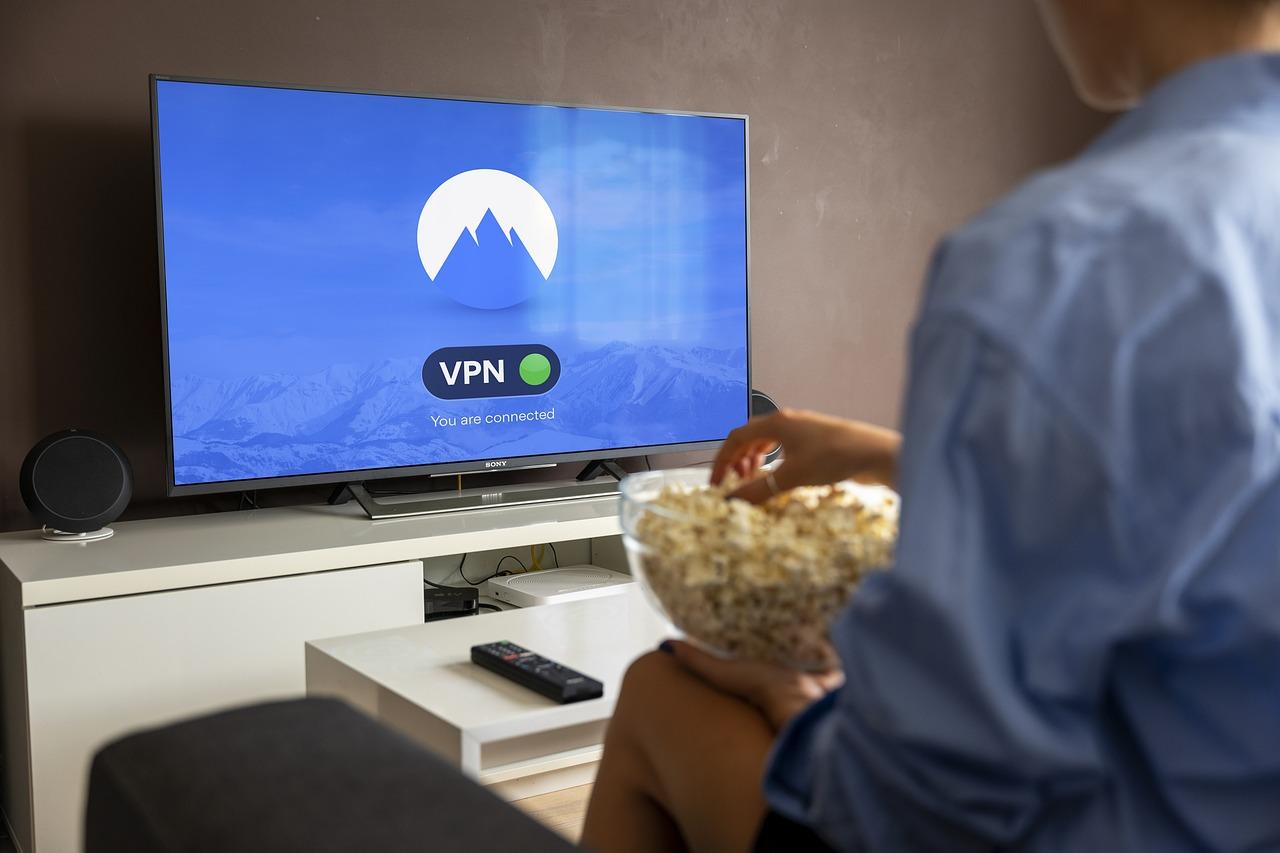
When you connect to a VPN, you're essentially creating a secure tunnel between your device and a VPN server located elsewhere. This process involves encrypting all outgoing traffic, which adds a layer of privacy but also introduces a minor delay, commonly known as latency. The VPN server acts as an intermediary: your data is encrypted, sent to the VPN, decrypted there, and then forwarded to the destination-be it Netflix, a website, or an app. This setup not only masks your real IP address, making your online activity harder to trace, but it also allows access to geo-restricted content by routing your connection through servers in different regions.
However, this security and flexibility come with a trade-off: potential speed reduction. Every extra step-encrypting, decrypting, and rerouting-can introduce some lag, which means your browsing or streaming might be slightly slower. Factors influencing the impact include:
- Distance to the VPN server
- Server load and reliability
- Your internet connection quality
| VPN Server Location | Speed Impact | Best For |
|---|---|---|
| Nearby (Same country) | Minimal | Streaming & Browsing |
| Remote (Overseas) | Noticeable slowdown | Privacy & Accessing geo-restricted content |
Balancing Privacy And Speed Choosing The Right VPN Server Location
When it comes to choosing the ideal VPN server location, the balance between privacy and speed becomes crucial. Opting for a server closer to your physical location typically offers faster connection speeds, as data has less distance to travel. However, if your primary goal is to access content from a specific country, such as streaming services exclusive to certain regions, selecting a server in that country might introduce some latency but unlock the content you desire. The key is to evaluate your priorities: are you focused on maximum speed or enhanced privacy and content access?
To illustrate this, here's a quick comparison table of different server choices:
| Server Location | Speed Impact | Privacy Level | Best For |
|---|---|---|---|
| Near Your Location | High | Standard | Fast browsing, minimal lag |
| Region-Specific | Moderate | High (region masking) | Streaming region-locked content |
| Faraway Countries | Lower | High (best for privacy) | Accessing restricted content securely |
Avoiding Common VPN Myths For Kodi APKs And Online Security
Many users believe that VPNs are a *luxury* only necessary for torrenting or illegal activities. In reality, a VPN enhances your overall online privacy and security, especially when streaming movies or accessing content through Kodi. It encrypts your traffic, making it difficult for third parties or even your ISP to monitor your browsing habits. Think of a VPN as your personal digital shield, ensuring that your connection remains private no matter what online activity you're engaging in, be it watching Kodi streams or browsing sensitive sites.
There's also a misconception that VPNs significantly slow down your internet speed. While it's true that adding an extra step can introduce some latency, choosing the right server and optimizing your VPN settings can minimize this impact. Here's a quick breakdown:
| Myth | Reality |
|---|---|
| VPNs are only for torrenting or illegal activities. | VPNs protect your privacy and security during all online activities, including streaming with Kodi. |
| VPNs always slow down your internet speed dramatically. | Impact varies; choosing optimal servers and settings can maintain good speeds. |
Practical Tips To Maximize VPN Performance While Protecting Your Identity
To get the most out of your VPN without sacrificing too much speed, focus on choosing servers strategically. Opt for servers closer to your actual location or those optimized for speed, as they tend to provide faster connections. Avoid overcrowded servers-high server load can significantly slow down your browsing experience. Most VPN providers offer server load indicators-use these to select the lightest traffic options for smoother streaming and browsing.
Ensure your VPN setup is optimized by using the latest protocol standards like WireGuard or OpenVPN, which balance security and performance effectively. Additionally, configure your VPN to connect automatically when using bandwidth-intensive applications, and disable features like double VPN or obfuscation if not necessary-they add encryption layers that can impact speed. Regularly update your VPN app and clear cache for optimal operation.
Here's a quick overview:
| Tip | Reason |
|---|---|
| Select nearby servers | Reduces latency, boosts speed |
| Use lightweight protocols | Balances speed with security |
| Keep software updated | Ensures optimal performance and security |
| Limit background apps | Prevents bandwidth hogging |
Q&A
Q&A: The Truth About VPNs - Everything You Need to Know
Q1: What exactly is a VPN, and how does it work?
A: A VPN, or Virtual Private Network, is a tool that creates a secure, encrypted connection between your device and a remote server. Think of it as sending your data through a private tunnel-your traffic gets encrypted before leaving your device, then routes through a server you select (say, in Canada or the UK), and finally reaches the internet destination. This process helps hide your real IP address and makes your online activity more private and anonymous.
Q2: Why would I want to use a VPN?
A: There are multiple reasons: to access geo-restricted content like streaming shows available only in certain countries, to enhance your online privacy by hiding your IP address from websites and your Internet Service Provider (ISP), and to secure your data, especially on public Wi-Fi networks. If you're concerned about privacy or accessing content from different regions, a VPN is a helpful tool.
Q3: Does using a VPN slow down my internet connection?
A: Yes, typically a VPN can cause some slowdown because your data takes an extra step-passing through the VPN server before reaching its destination. This added "hop" introduces delay, which might manifest as slower browsing or streaming speeds. However, the actual impact depends on factors like the VPN server's quality, your internet speed, and the distance to the VPN server.
Q4: Can I use a VPN for streaming services like Netflix?
A: Absolutely. Many people use VPNs to access content not available in their country-like certain TV shows or movies. When connected to a VPN, streaming services see only the VPN server's IP address, not your real one, allowing you to access geo-restricted content. But note that some streaming platforms actively try to block VPN traffic.
Q5: How does a VPN ensure my online activities are private?
A: The encryption feature of VPNs is key. When you connect to a VPN server, all your traffic is encrypted, making it unreadable to outsiders, including your ISP or malicious actors. This protects your data from potential snooping, especially on untrusted networks.
Q6: Are VPNs only useful for torrenting or illegal activities?
A: Not at all. While VPNs are popular among torrenters, they are equally valuable for everyday privacy, securing sensitive data, bypassing censorship, and accessing content from different regions. Using a VPN doesn't inherently mean you're doing anything illegal.
Q7: Is there anything I should be cautious about when choosing a VPN?
A: Yes. Not all VPNs are created equal. Look for providers with a clear privacy policy (preferably no-logs), strong encryption, reliable connection speeds, good customer reviews, and transparent ownership. Free VPNs, in particular, often compromise on privacy or inject ads.
Q8: Should I always keep my VPN turned on?
A: It depends on your needs. If privacy, security, or accessing geo-locked content is a priority, then yes, keeping your VPN active is recommended. For everyday browsing without privacy concerns, you might choose to turn it off, but be aware of the privacy trade-offs.
Q9: What's the best way to minimize VPN speed loss?
A: To reduce speed drops, select VPN servers that are close to your location, avoid overcrowded servers, and choose providers with high-performance infrastructure. Also, connect to the fastest available protocol and ensure your internet connection is robust.
Q10: Is using a VPN legal?
A: In most countries, using a VPN is perfectly legal. However, some nations restrict or ban VPN use, so always check local laws before using one in different regions.
Thinking of diving deeper into the world of VPNs? Remember, understanding the how and why helps you make better decisions about your online privacy and streaming adventures!